UX for science: optimising and expanding a scientific software suite
I designed several scientific data analysis tools used by scientists across a large international organisation, driving measurable improvements in usability and adoption rates.
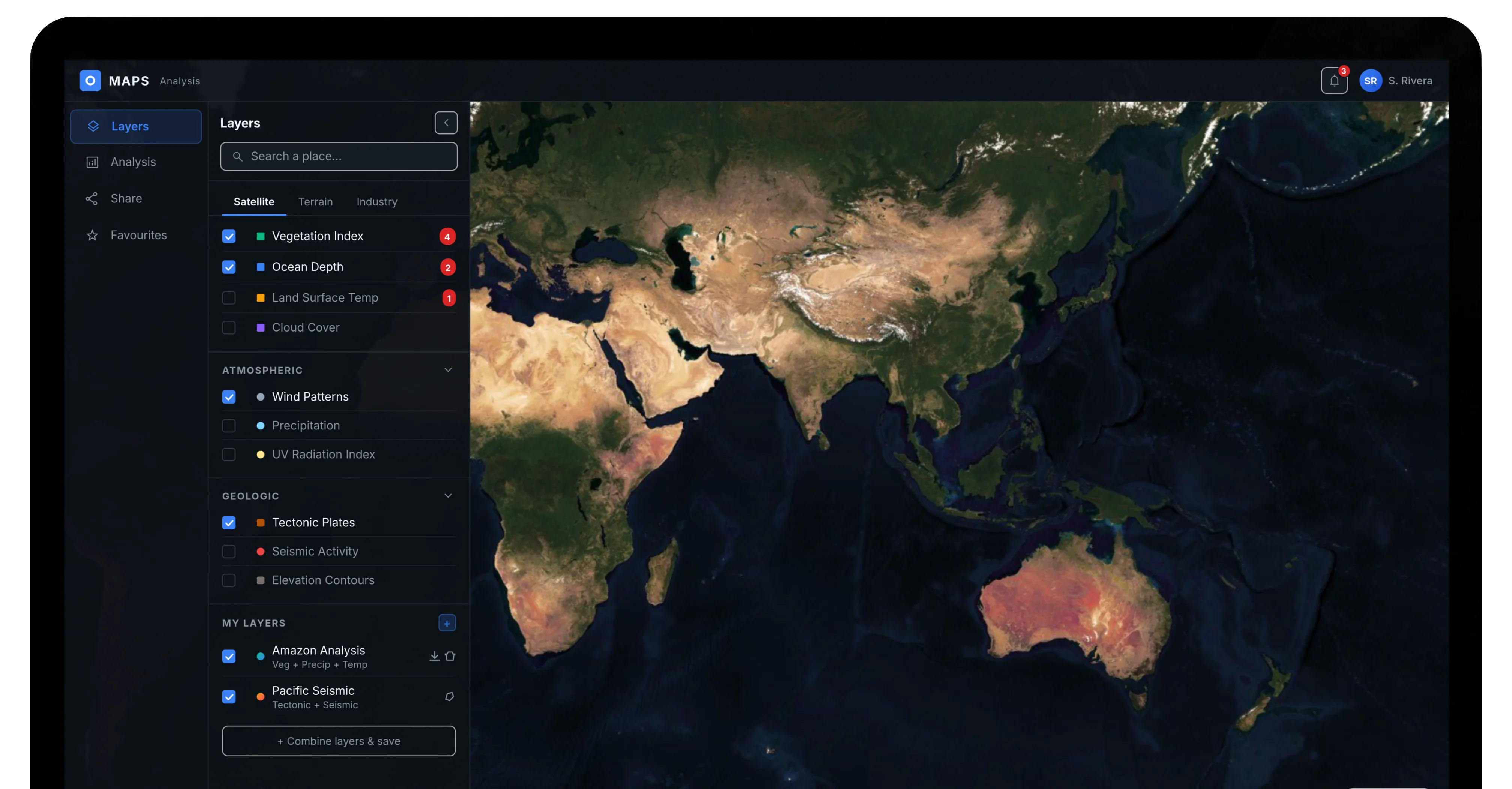
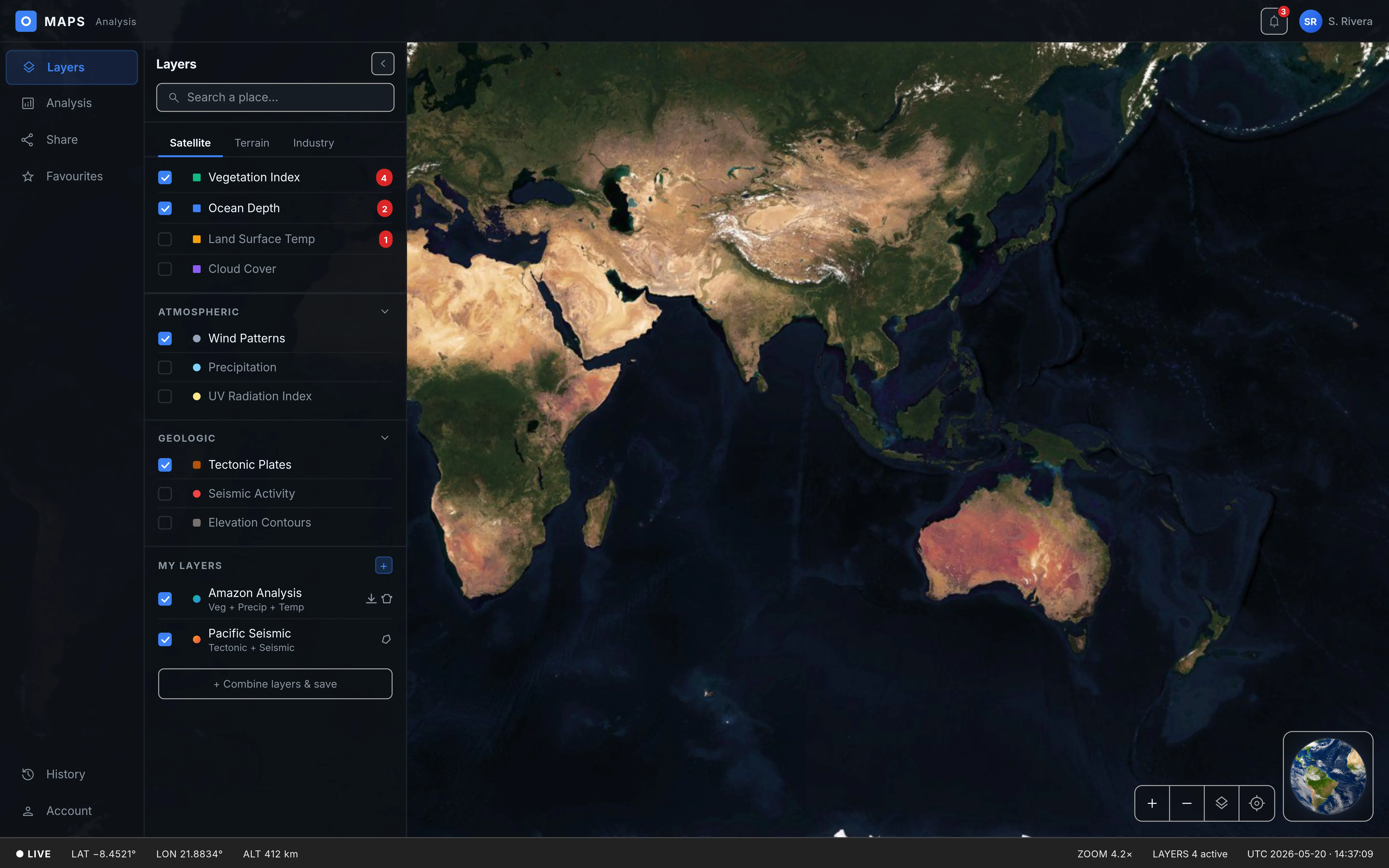
When the project was happening, AI design tools were not as widely available for project work yet. Due to client confidentiality, I'm also limited in how much real project work I can show publicly. So, while building this portfolio website, I took the opportunity to recreate a couple of the designs with AI — to explore new possibilities and showcase what I would produce if the projects were happening today.
Project summary
Bridging the gap between complex science and intuitive UX. Over three years, I successfully completed a comprehensive UX overhaul of a major legacy software tool, optimised two web applications, and designed several brand new products, all resulting in high employee satisfaction and business value. Additionally, I embedded a formal user-centred design process into the software development lifecycle of the client.
Impact & results
- Qualitative feedback showed how much employees appreciated the new approach, reporting they felt heard for the first time.
- Our improvements led to a 95% user adoption rate among the initial target groups, successfully transitioning usage from near-zero to standard practice.
- The success of the individual projects led to the integration of the full Design Thinking process into all software development projects throughout the organisation.
- One newly developed product was presented at a world conference.
Deep dive into the world of physics
A large international organisation asked for the modernisation and expansion of its scientific software suite. Employees struggled with outdated software, leading to inefficient workflows, workarounds and reliance on external tools. Through stakeholder workshops, user interviews and heuristic audits I uncovered the daily challenges.

Uncovering the big picture
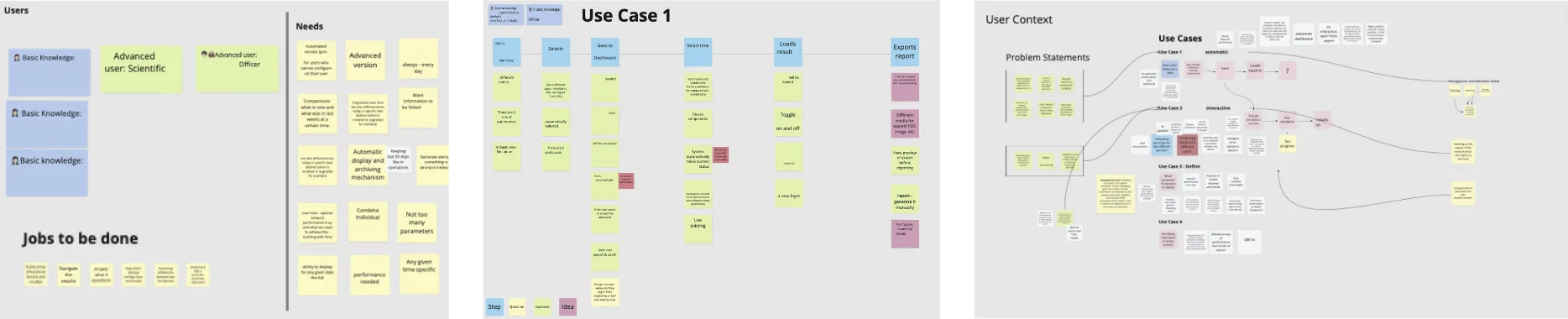
My research findings helped me to understand the complex system structure and further enabled me to:
- Define different user profiles with varying levels of experience and engagement with the software suite and associated use cases, to ensure designs directly addressed the needs and behaviours of distinct user segments.
- Map out where they operate in the complex ecosystem of the organisation to identify potential points of friction.
- Understand technical constraints to ensure the proposed solutions are feasible and can be implemented within existing systems.
- Refine the problem statement to prioritise improvements with the largest user and business value.

Junior Analyst
- Scientists in their late 20s – mid 30s
- Has been with the organisation for less than 5 years
- Uses the software that is given to them

Senior Analyst
- Scientists in their 50s
- Has been with the organisation for more than 5 years
- Has developed workarounds to avoid using outdated software

Technical Officer
- Technical personnel in their 40s
- Has been with the organisation for more than 10 years
- Oversees scientists' work and responsible for improving workflows

Field Operator
- Field personnel in their late 40s – 50s
- Has been with the organisation for more than 10 years
- Conducts standard operating procedures in the field
First the low hanging fruit
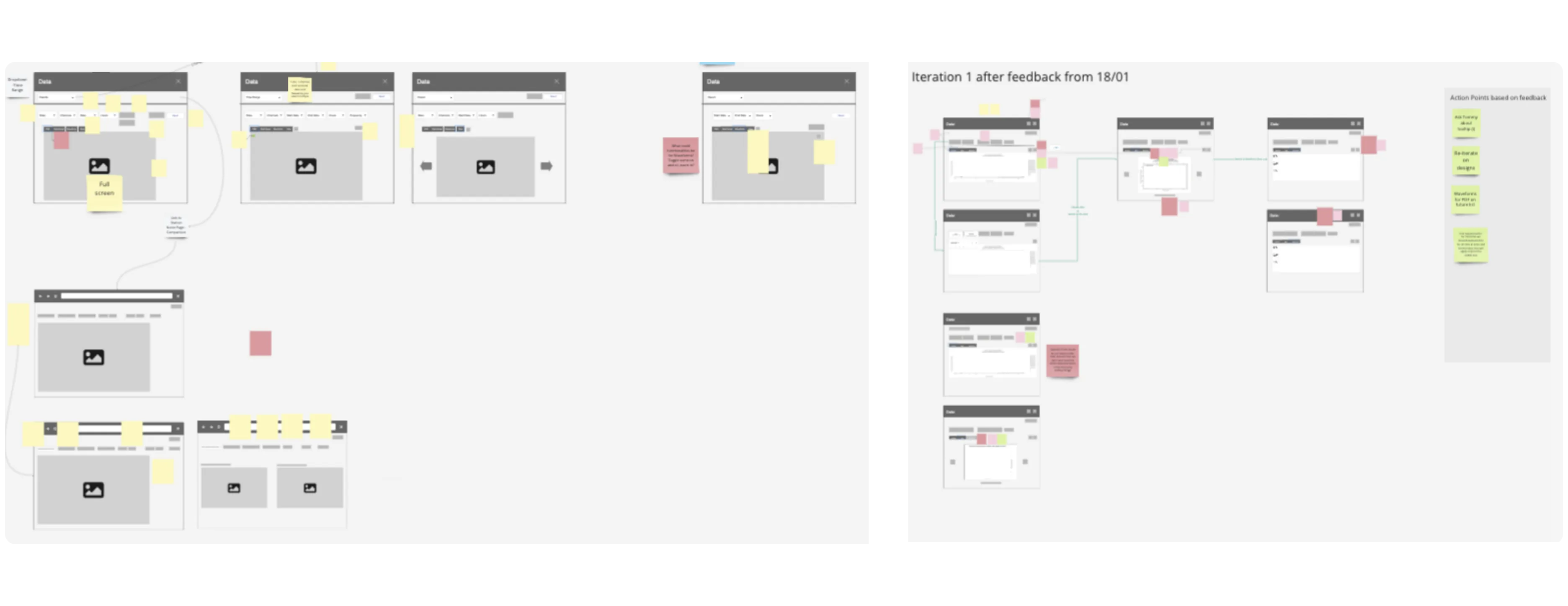
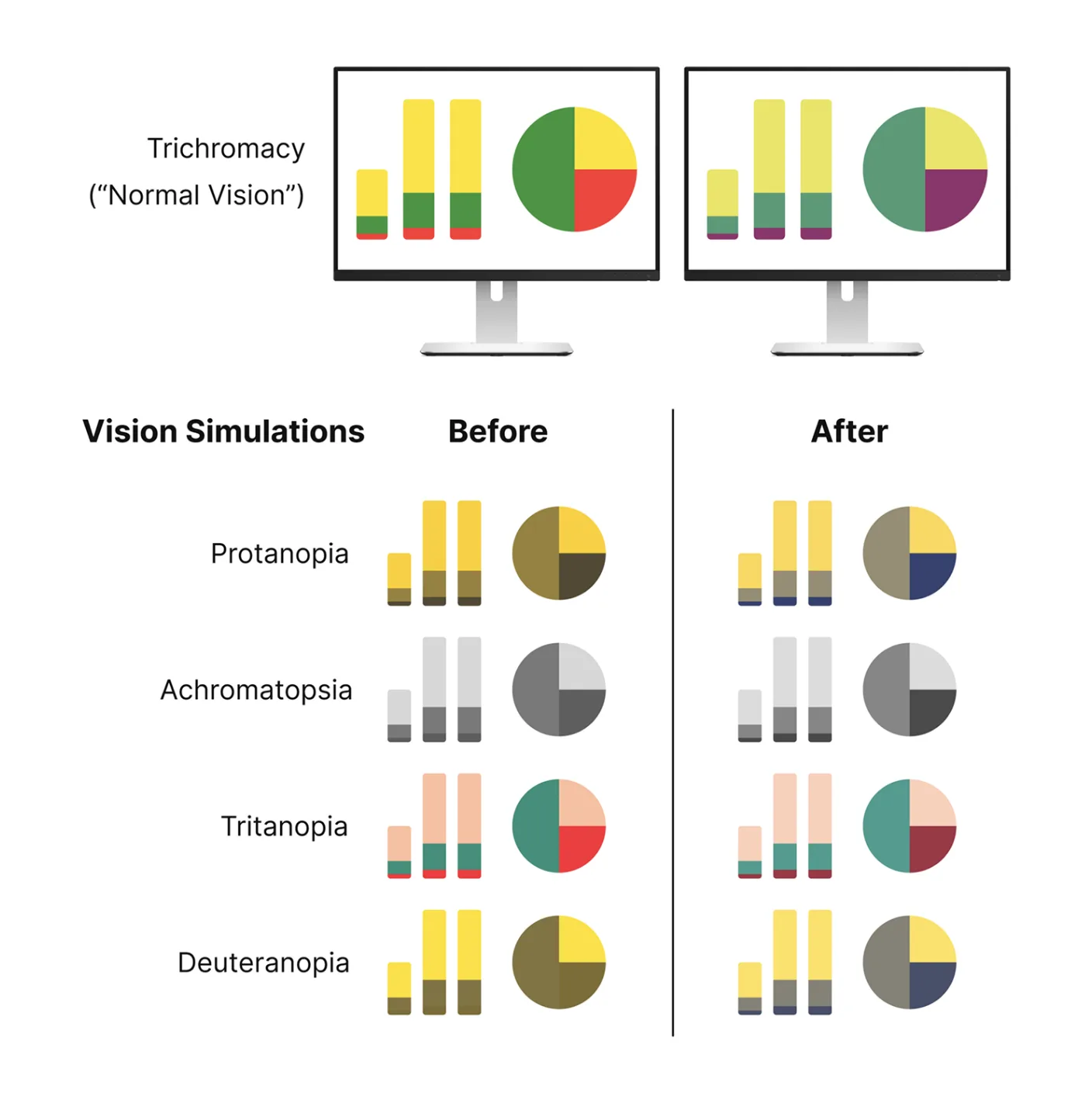
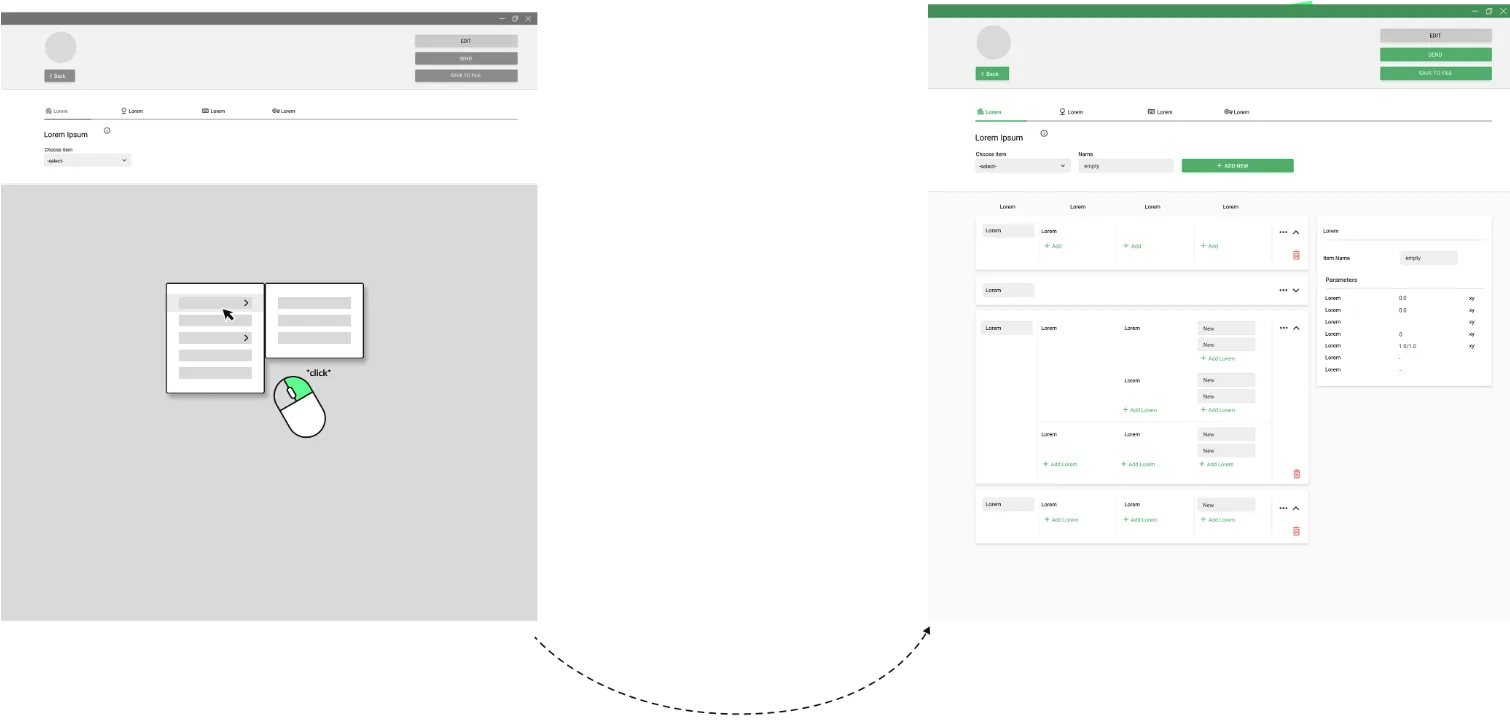
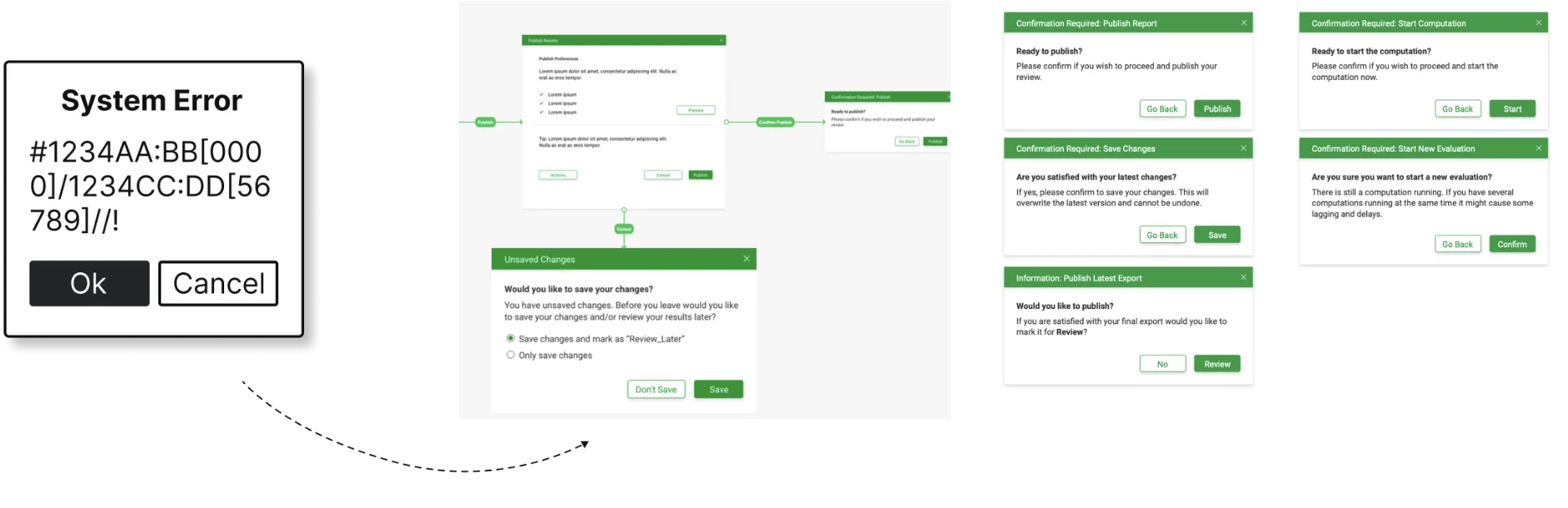
I facilitated ideation and requirements workshops with product owners and engineering, then evaluated and refined potential solutions through prototyping and testing. The final designs placed a strong emphasis on information architecture, error prevention, and clear UX copy — including a shift to a colour-blind safe palette in data visualisations.
Limited user access during testing
A key challenge in this phase was gathering frequent feedback from less experienced users, as my access was primarily limited to super users and experienced staff.
Distributed prototype testing
I compromised by creating shareable, clickable prototypes that could be distributed to groups of users with varying experience levels. They then tested the prototype and wrote feedback down in their own time and sent it to me.
It was also through this approach that I learned about several employees struggling with the traffic-light based data visualisations due to their colour vision impairment.
What I'd do differently
I would have pushed for more quantitative ways to measure the user experience and evaluate factors such as productivity, friction reduction and workforce satisfaction. Task Success Rate and Error Rates would have been helpful in getting tangible scores about the efficiency of the new implementation. Time to Productivity, a System Usability Scale and also a Customer Effort Score (modified for internal use) would have also been great tools to measure engagement and satisfaction metrics.
To overcome the client's strict boundary around employee access, I would proactively shift the conversation from 'user research' to risk management and cost reduction. If active testing was still completely blocked, I would advocate for implementing passive analytics like tracking automated event logs which require zero employee time but still surface quantitative friction.
Delivery & launch
A two-pronged approach: launching whole new features every couple of months alongside minor adjustments — button placements, font sizes, UX copy — every sprint. Close collaboration with the development team kept design and engineering in lockstep through to launch.
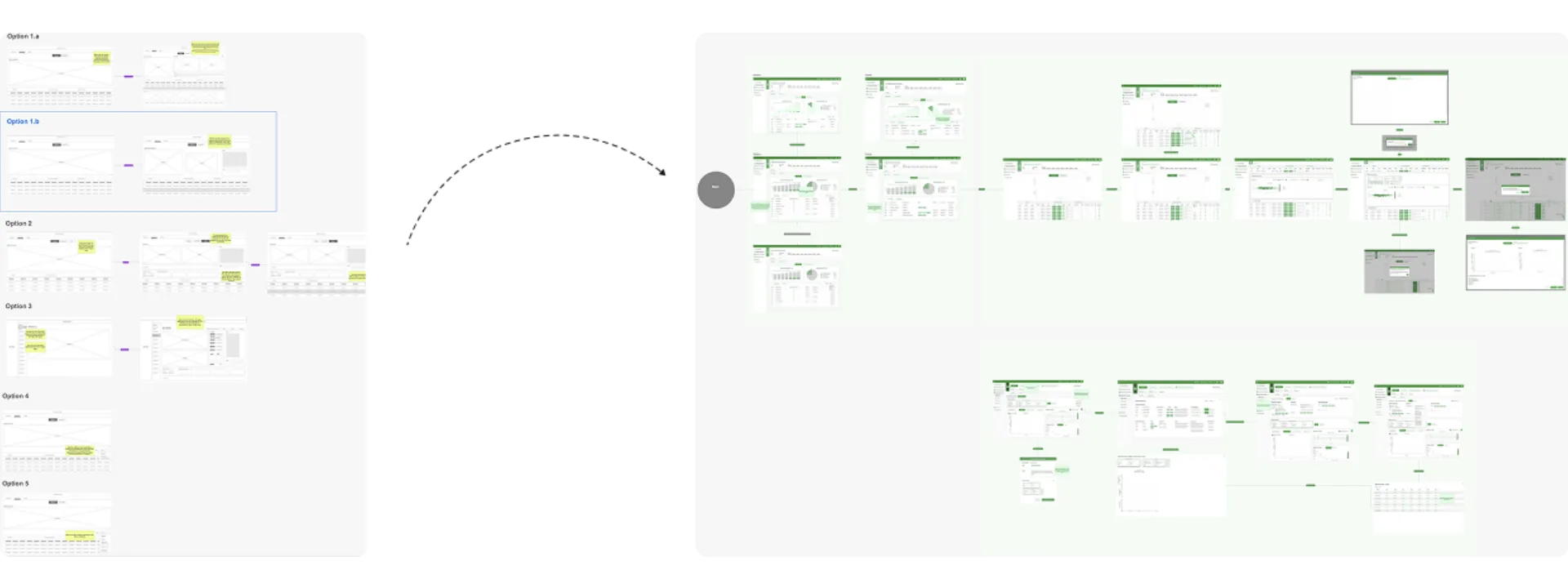
Prototyping data visualisation tools
Most of the software products were data visualisation tools which proved difficult in the UX prototyping space.
Staging & post-launch iteration
We had super users testing the applications in the staging environment, and also relied heavily on user feedback gathered post launch to iterate on design and keep enhancing the software for future releases.
The project outcome was a fully functioning software suite consisting of several applications for scientific work. Existing tools were optimised to improve the user experience, streamline workflows and enhance usability. Furthermore new systems were developed to fill gaps in functionality.
Towards the end of my time on the project I started the design of two new software products from the ground up using the newly embedded Design Thinking workflow.
The project resulted in significant usability improvements across the software suite, increased willingness to invest in UX and ultimately a more positive user experience.

My personal highlight
After working on the project for a while, we received feedback that employees felt heard for the first time, which was incredibly rewarding. It's a reminder of why we do what we do as experience designers, and I'm grateful for the opportunity to make a difference.